 Plex
Plex

What is Plex?
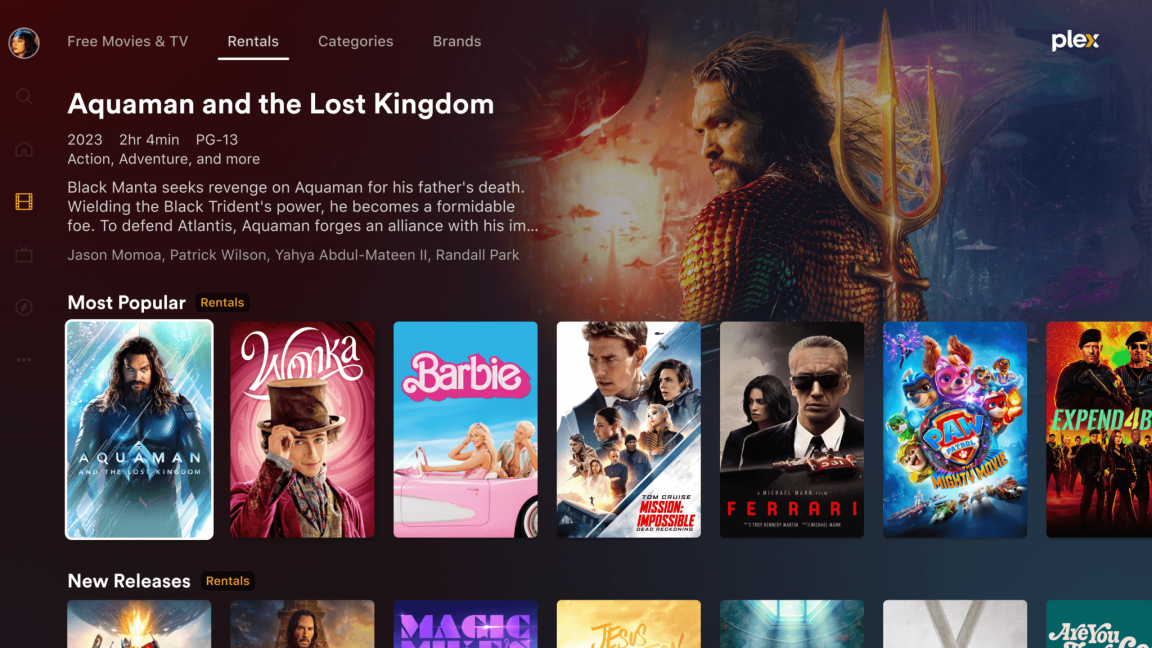
Plex is a media server that organizes your movies, TV shows, music, and photos, making them available to stream on any device. Think of it as your own personal Netflix, Spotify, and photo gallery all in one place.
Features
- Watch your movies and TV shows from anywhere
- Listen to your music collection
- Stream to smart TVs, phones, tablets, and computers
- Continue watching where you left off on any device
- Discover new content with recommendations
How to Use Plex
Web App
You can access Plex through your web browser which works on computers, tablets, and smartphones.
Mobile Apps
For the best mobile experience, download the Plex app:
 Android: Download from Google Play
 iOS: Download from App Store
TV & Streaming Devices
Plex is available on most smart TVs and streaming devices:
- Roku
- Amazon Fire TV
- Apple TV
- Android TV / Google TV
- Smart TVs (Samsung, LG, etc.)
- Gaming consoles (PlayStation, Xbox)
Visit the Plex Downloads page for links.
Creating an Account
Note
This is an account with Plex.tv
- Browse to Plex.tv
-
Sign up and create an account with Plex
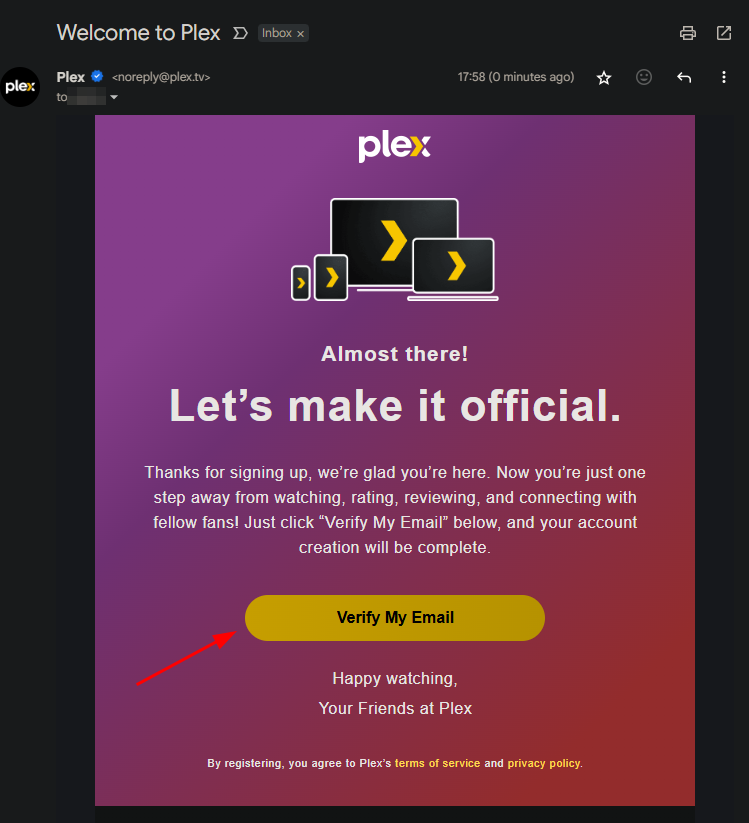
- Open the signup email & verify your account
-
Contact Gurch and request access to the server
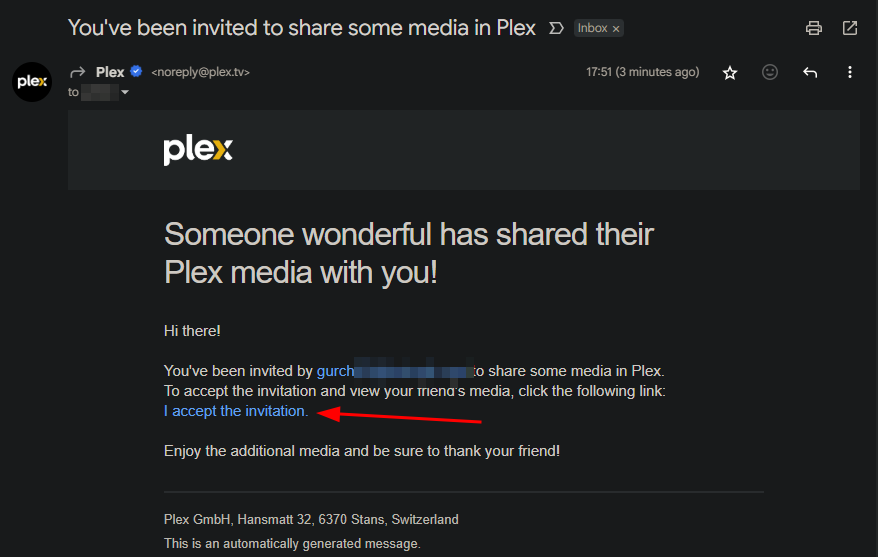
- Open the invitation email and accept to join the server
Downloads for Offline Viewing
Info
You will need to have an active subscription to Plex Pass
In the mobile app:
- Find the content you want to download
- Tap the download icon (down arrow)
- Choose download quality
- Access downloaded content in the "Downloads" section